


Section 7 is optional, and it’s the fun one — make the page look like your organization instead of a generic form. This is also the home of the new skins and color options you’ve been hearing about.
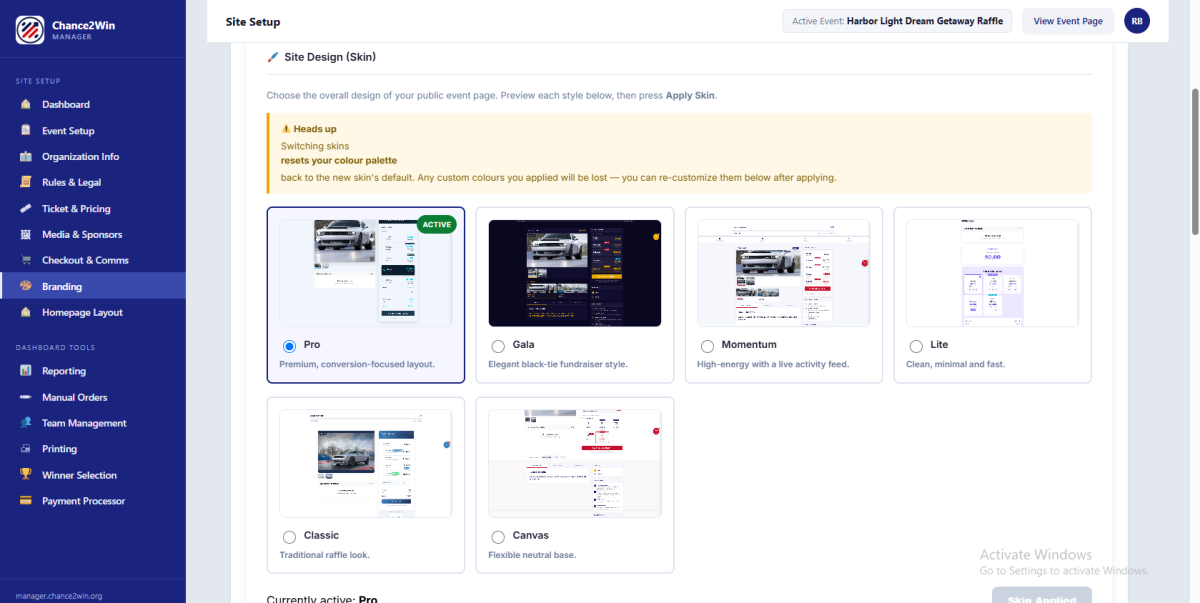
Pick a palette #
Choose a Color Palette from the preset library, organized into categories so you’re not staring at a blank color wheel:
- C2W Brand
- Trending 2025–26
- Classic & Corporate
- Outdoor & Community
- Modern Tech
- Heritage & Service
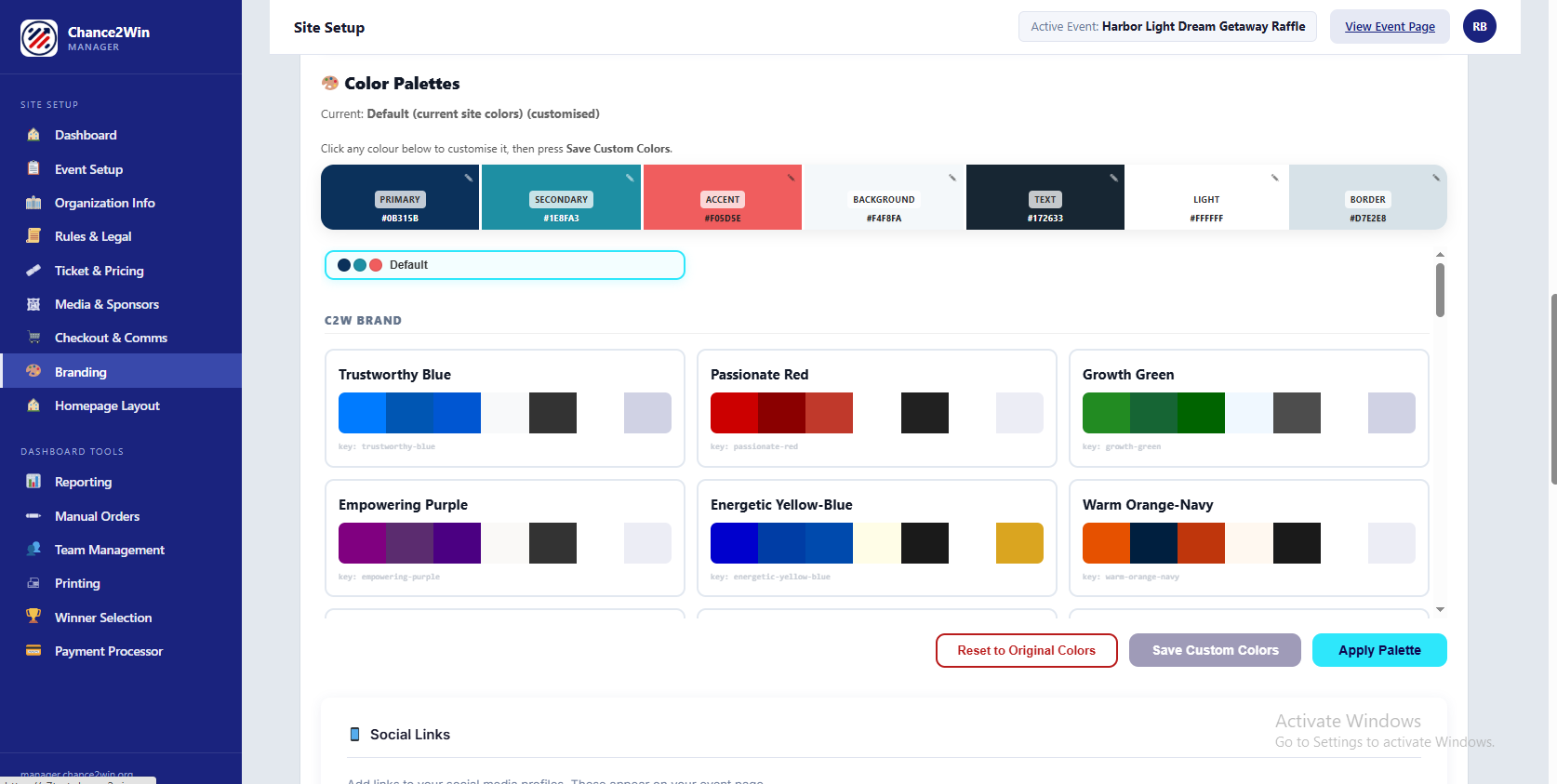
Or build your own #
Want an exact match to your brand? Customize the individual swatches — Primary, Secondary, Accent, Background, Text, Light, and Border — then hit Save Custom Colors and Apply Palette.
Social links #
Below the colors, add your Social Links — Facebook, X, Instagram, Pinterest, LinkedIn, Twitch, YouTube, TikTok, Snapchat, Reddit, Discord. All optional, all displayed on your event page. Add the ones you actually post to; skip the ones you don’t.
Looking sharp? Save & Continue heads to the last section, Section 8: Homepage Layout.


